Same email replies.
5x faster.
Discover how Miles learns from your team’s email history to predict and suggest how you would respond to each new email.

Built for shared inboxes like info@, support@, bookings@ and more.

1. Connect your team's Inbox
Connect Gmail or Outlook in a few clicks. Choose which shared inboxes Miles should draft for.

2. Miles starts learning
Miles studies your company's past conversations to match your wording, structure, and decision logic.
3. Review draft and send
Miles drafts replies directly in Gmail or Outlook. Your team reviews, then sends.
Improves over time
Miles improves with every reply
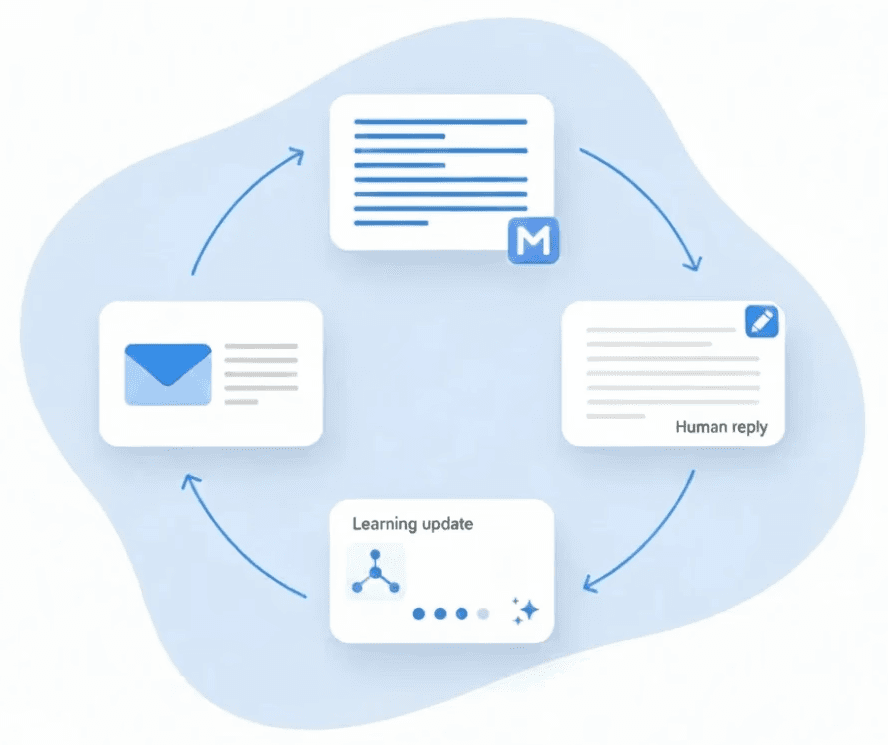
Every time your team edits a draft, Miles learns what “good” looks like for your business. That learning compounds over time, so each reply makes the next one better.

Consistency
Consistent replies across your team
Miles applies what it learns from your team’s past replies, so drafts stay consistent in tone and quality.
Visibility
Analytics and insights
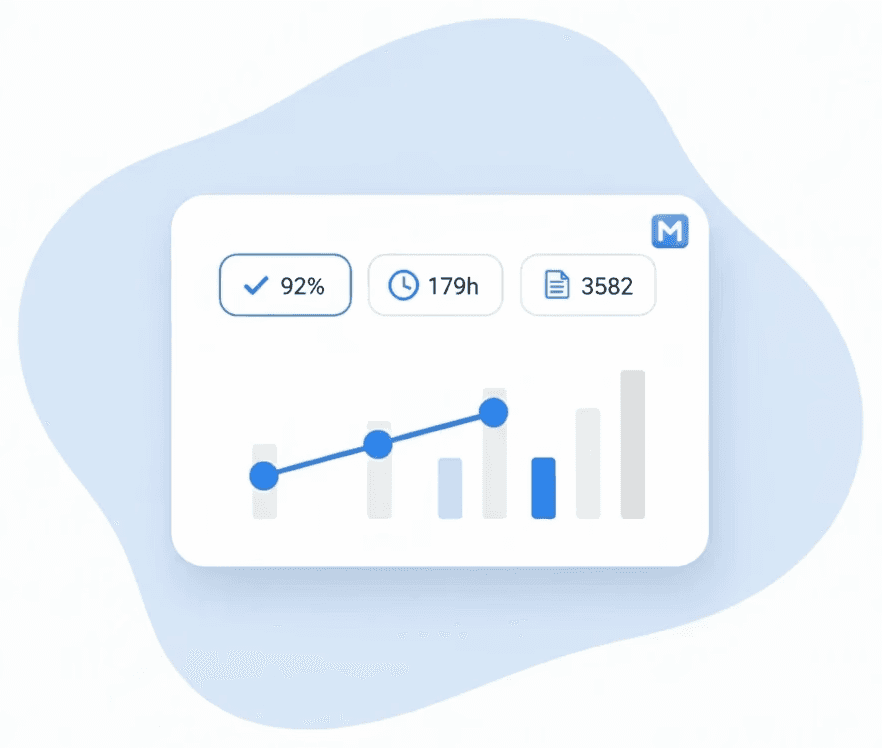
Track drafts created, editing required, and estimated time saved, so you can see the impact across the team.